- Can I connect today?
- Yes. Cladwell in ChatGPT is available to everyone. Open Cladwell in ChatGPT, tap Connect and sign in with your Cladwell account. ChatGPT connection and image capabilities depend on availability in your ChatGPT account.
- Do I need a Cladwell account?
- Yes. Connect an existing Cladwell account and choose what access to share. Account setup stays in Cladwell. Never put your password or sign-in code in a chat.
- Can I add clothes with a free Cladwell account?
- Adding clothes works with free and paid Cladwell accounts, within your Cladwell import allowance. Connect your existing account and allow clothing additions. Reading your saved closet is not required to add an item.
- Which access includes my saved context and See it on me?
- Reading saved closet, capsule, Style Map, color, outfit preference and wear-history data requires eligible Cladwell subscriber access. Sharing saved references for See it on me requires that access and separate photo permission. Your Stylist is the current paid plan; recognized active subscriptions under earlier plan names, active trials and promotional access also qualify. Access is checked on the Cladwell account you connect, using its current subscription record. Apple, Google and web subscriptions can qualify when recognized on that account. Cancellation does not end access before its expiration date. A ChatGPT subscription does not include a Cladwell subscription.
- I already subscribe. Why is access unavailable?
- Already a subscriber? Check that you connected the same Cladwell account you use in the app. If a purchase is missing, use Restore Purchases in Cladwell where available, or contact hello@cladwell.com for help checking your account. Do not purchase again to troubleshoot. Reconnecting alone does not change your subscription access.
- When is an item saved?
- When you ask ChatGPT to add a garment, your request is the instruction to save it. ChatGPT prepares and shows a clothing-only picture on white or transparent, then passes the finished image and required details to Cladwell. It saves to your named capsule, the capsule selected in your conversation, or your default destination. You do not need to choose between the retailer and prepared image or approve it again. ChatGPT may ask for missing details or an ambiguous capsule; its own permission prompts still apply. Only a saved confirmation means the item reached your closet.
- How does ChatGPT use my style and capsules?
- With eligible access and permission, ChatGPT reads your saved Style Map, color palette, clothes and outfit preferences. Ask about a named capsule, such as Fall, and keep using it in follow-up questions. Logged outfits provide account-wide wearing history, including older records, independently of that capsule. Your current wishes guide the conversation; saved records stay in Cladwell.
- Can I start with a receipt, link, email, description or photo?
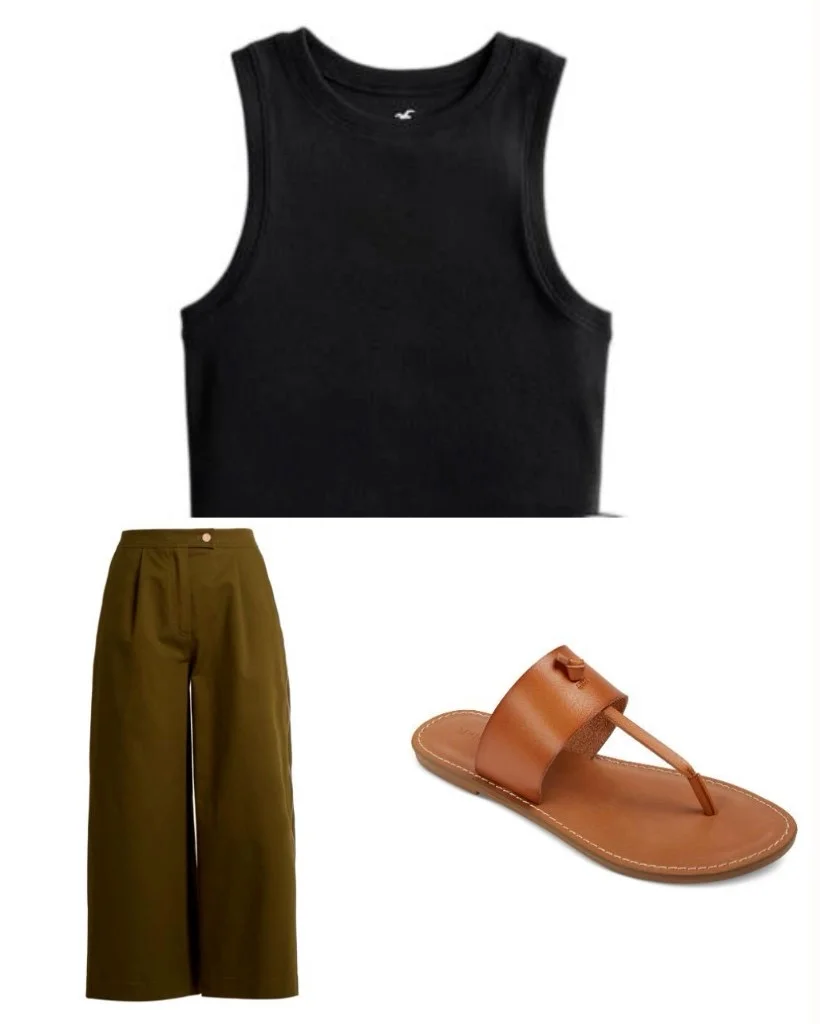
- ChatGPT uses its available tools to understand the source and prepare each garment’s picture and details. Cladwell receives those clothing facts and pictures to save, rather than scanning your receipts or accessing your mailbox. Email access is a separate ChatGPT connection and is used when you request it. If no photo exists, ChatGPT can create a representative flat lay from enough detail. Generated garment pictures are identified as illustrations. If a finished image cannot transfer, ChatGPT explains the problem without claiming it saved.
- Will there be another panel or style quiz?
- No. Stay in your normal conversation with ChatGPT. It can use the personal context actually available to it, together with the Cladwell information you choose to share. Connecting Cladwell does not give it access to every past conversation or change your saved style results.
- How does See it on me work?
- For an eligible account, choose a saved try-on photo and the clothes you want to visualize. With separate permission, Cladwell provides those references and optional image instructions. ChatGPT creates the image when its available image tools support those references. This does not use Cladwell’s image-generation service or automatically save the result in Cladwell. Images illustrate an idea, not a prediction of fit.